How to share an Apple Watch workout to Instagram Stories
To share an Apple Watch workout to Instagram Stories, open the Fitness app on your iPhone, tap the workout, tap the Share button, choose Instagram and send it to your Story. That posts Apple’s built-in summary image. For a full-screen 9:16 Story with your own photo, a choice of layouts or an animation, make the card with a free app such as Forta and share it from there.
Updated October 10, 2026
With Apple’s Fitness app (built in)
Your Apple Watch syncs every workout to the Fitness app on your iPhone, and you can share it from there.
- 1Open the Fitness app on your iPhone.
- 2On the Summary tab, find your recent workouts (on the newest iOS versions this area is called Sessions) and tap the workout you want.
- 3Tap the Share button, choose Instagram, and send it to your Story.
- 4In Instagram’s Story editor, pinch to resize the image, add text or stickers, and post.
If your iOS version shows no Share button on the workout, take a screenshot of the workout summary and post the screenshot from Photos instead.
What you get is Apple’s fixed summary image: you can’t choose the layout, use your own photo as the background, or turn it into a video, and people have reported it arriving cropped or blurry in Stories (Apple Community). Why that happens and how to fix it.
With Forta (a full-screen 9:16 Story)
Forta is a free iPhone app that reads your workouts from Apple Health and turns them into cards and animations sized for Stories: 1080 × 1920 pixels, so nothing gets cropped.
- 1Install Forta and allow it to read workouts from Apple Health. Your recent workouts appear in the Workouts list; tap the one you want.
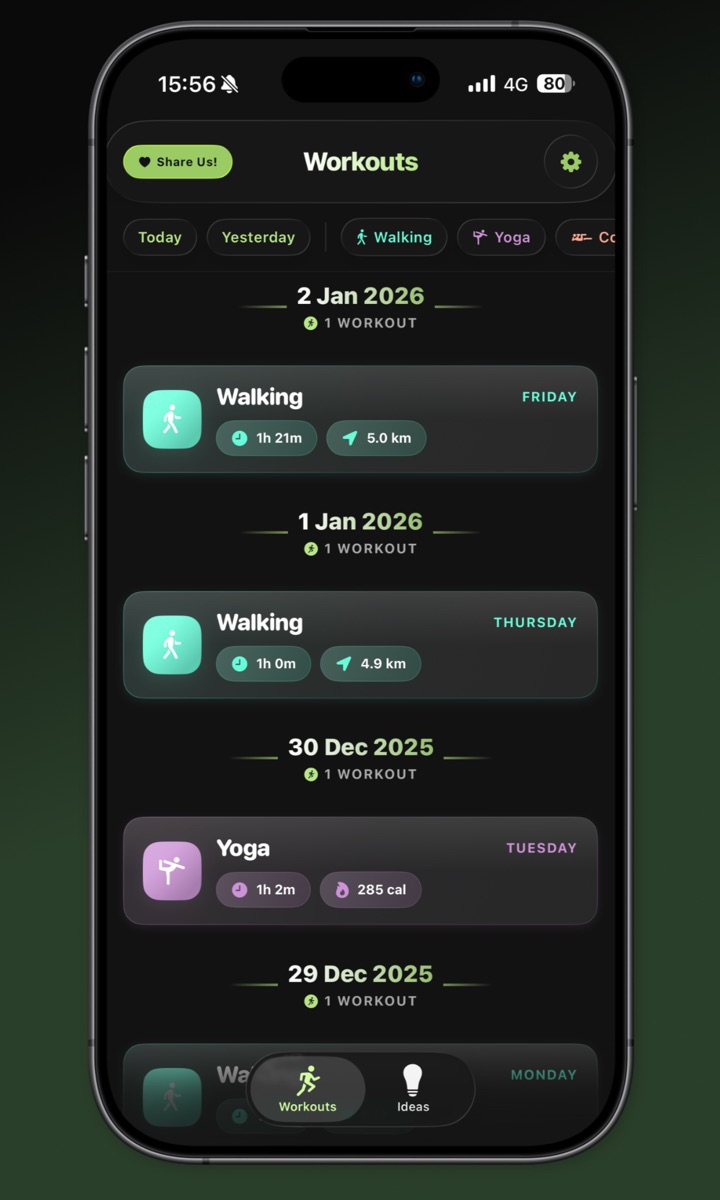
The Workouts list, grouped by day. - 2Take a photo or video with the camera, or pick one from your library, as the background. Then choose Card or Animation and pick a style.
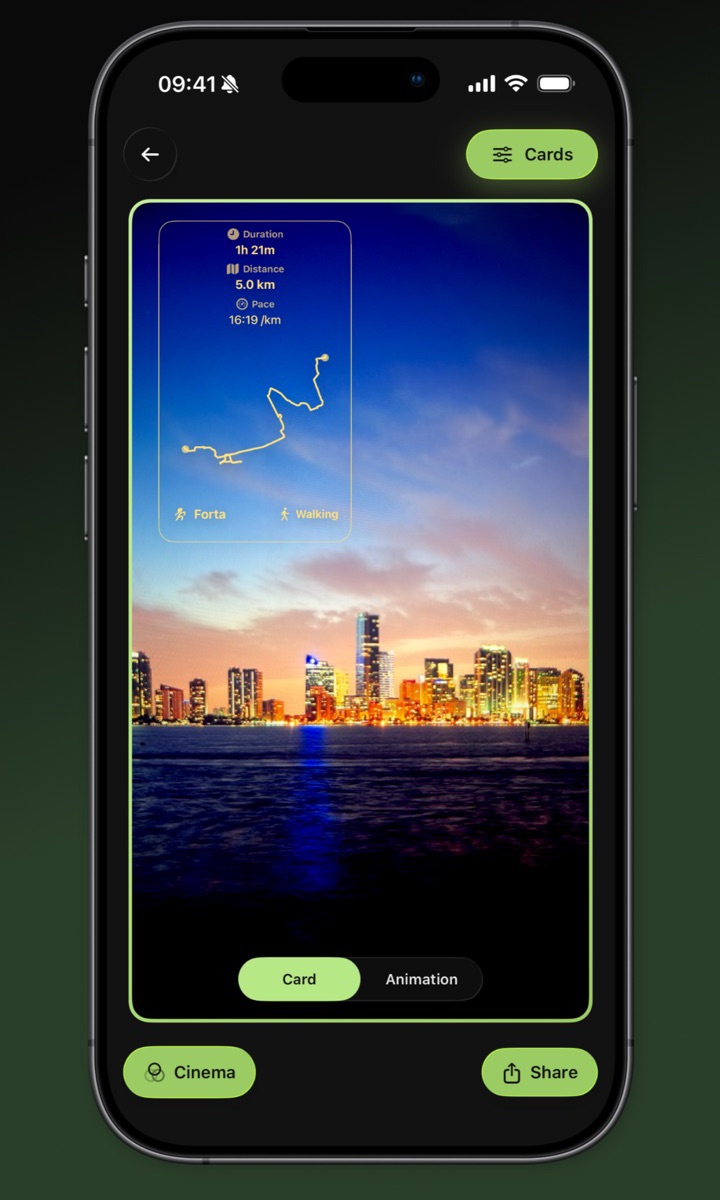
The editor: a route card over your own photo. - 3Tap Share, then Instagram. Forta opens Instagram with your card or animation ready for your Story. You can also save it to Photos, and on iPhones with Apple Intelligence running iOS 26 or later, copy a suggested caption.
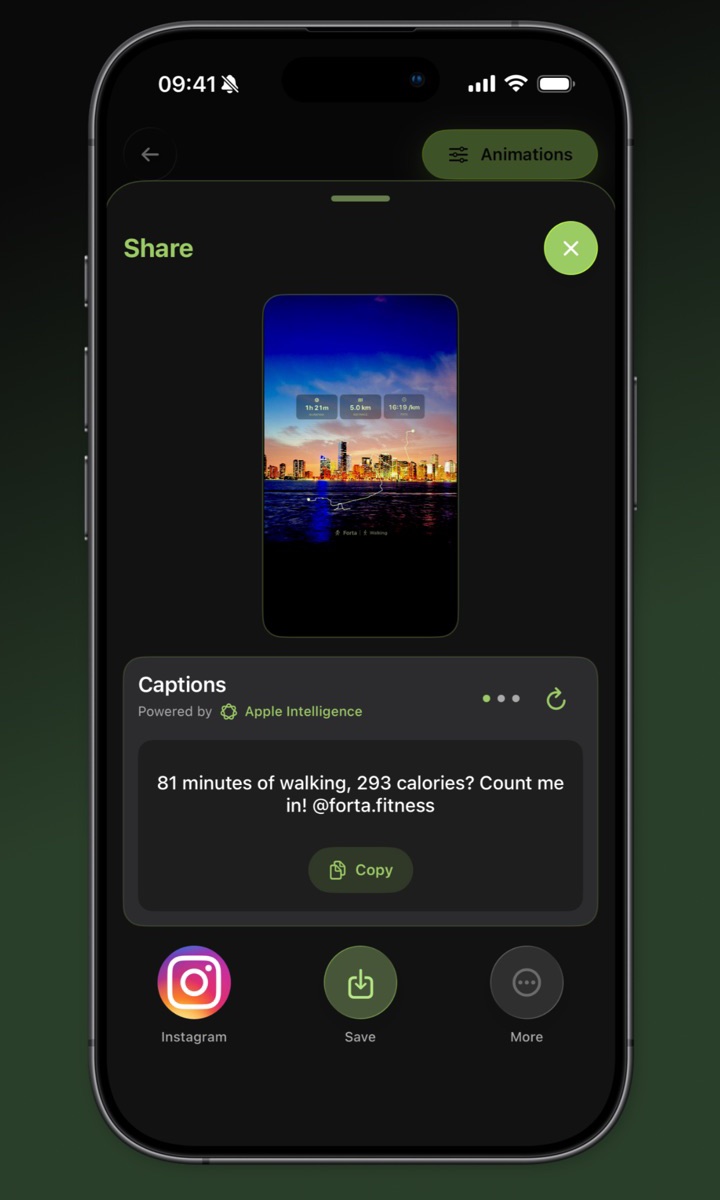
Share straight to Instagram, or save it.
Which way to use
| Fitness app | Forta | |
|---|---|---|
| Price | Built in | Free, no ads, no account |
| Image | Apple’s fixed summary image | 1080 × 1920, the exact Story size |
| Layouts | One | 11 card styles, more than 30 animations |
| Your own photo as background | No | Yes |
| Video | No | Yes, as an MP4 animation |
| Extra app | None | Forta for iPhone (iOS 18 or later) |
Other watches and apps
Forta reads any workout in Apple Health on your iPhone. How to get workouts from another watch or app into Apple Health:
No app? Make a card in your browser
Type your stats into the free workout card maker and download a 1080 × 1920 PNG for your Story. It runs in your browser, and nothing you type is uploaded.